Offline, open source dictation for your PC and your phone. Whisper in,
words out.

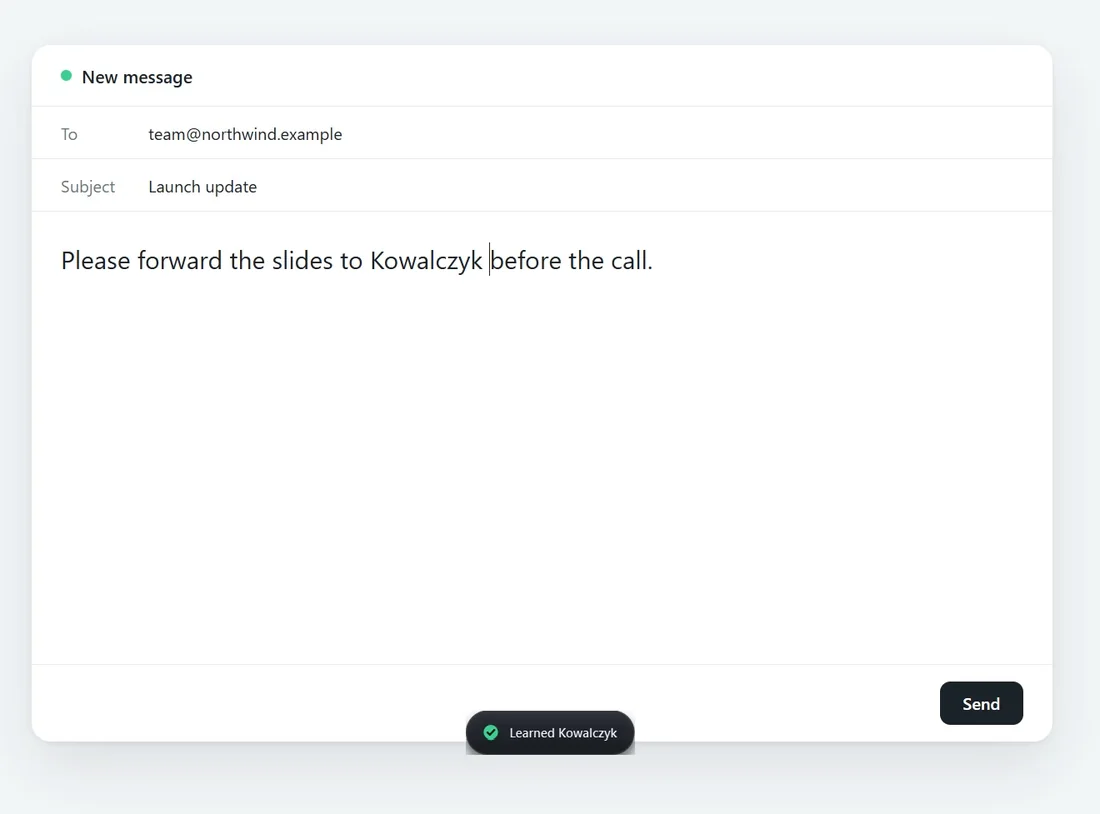
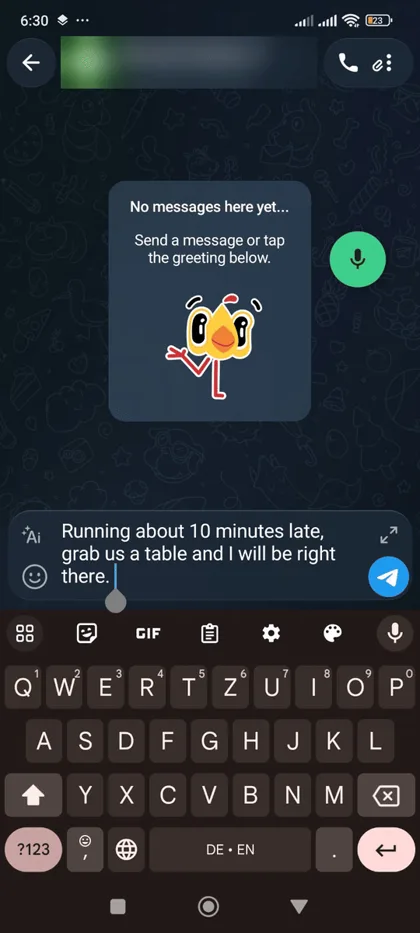
On Android, names are spelled the way your screen spells them, fully offline. Open source dictation for your PC and your phone. On Windows, hold F9, speak, release. On Android, tap the floating button. Your words are transcribed on your own device and typed into any app. No cloud upload, no subscription.

Free and open source (MIT). Runs 100% locally. Windows 10/11 and Android. v1.9.0

Your voice moves the grass. Nothing is recorded or sent.
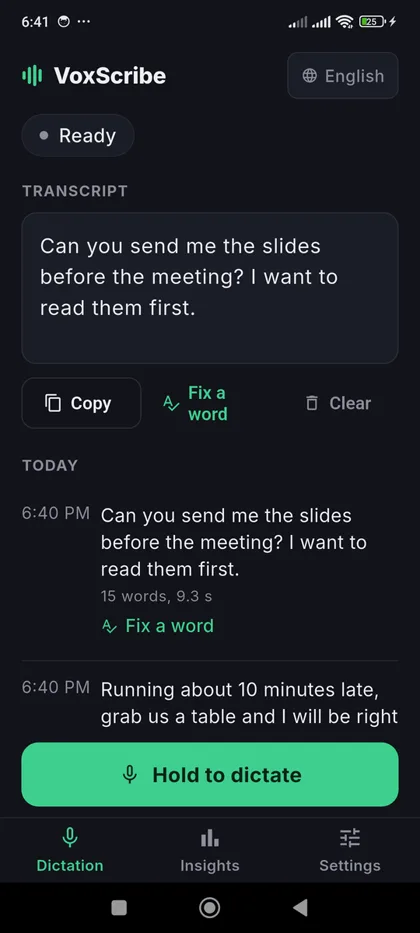
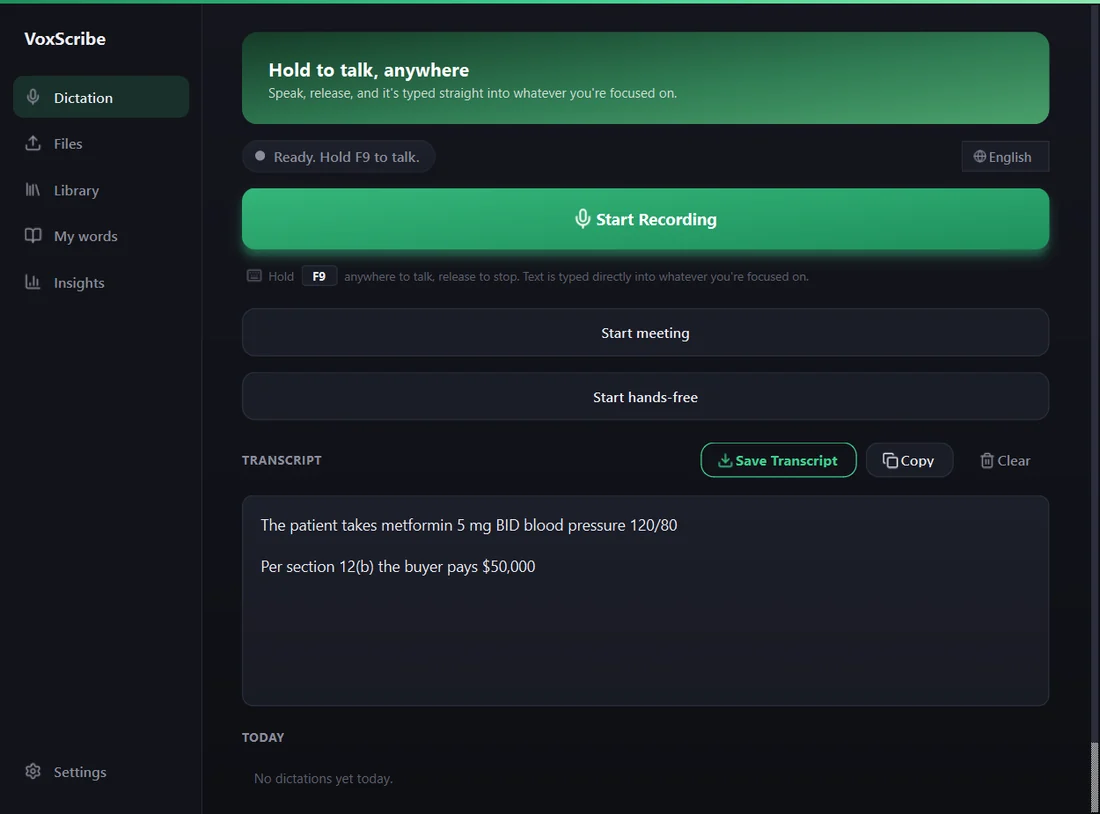
The VoxScribe dictation page with a transcript.
What VoxScribe types

Hold F9, then let go.

Offline voice typing: it works with the internet off.

Try it now, in this page. This runs a small Whisper model inside your browser. Load it once, then disconnect and keep talking. The counter below shows every network request made while it transcribes.

Switch it on. The words keep coming.

Nothing is downloaded until you click.

Say "rain", "snow", "night", "sunset", "rainbow" or "flowers" and the sky answers.

Any text box
Connection
Online
Requests while transcribing
-
Counted by your browser
Speed
-
On your hardware
Model
Not loaded
The apps use larger ones

Clicking Load downloads the speech engine from jsDelivr and a small English Whisper model (about 40 MB) from Hugging Face, once, with your browser's normal cache. Your voice is never sent anywhere: it is processed in this page and the audio is discarded afterward. This demo uses a small model and English only. The Windows app uses larger models and about 28 languages, the Android app 21.

Screen recording of VoxScribe's real transcribed text being typed into Notepad, character by character

Real recording, not a mockup. Typed directly by VoxScribe, straight from a real F9 recording. No clipboard, no editing. The rest of the time it's out of sight: a small floating pill shows Recording/Transcribing, then it's back in the tray.

Airplane mode on, still dictating. Watch with sound

Talk the way you think. It types the clean version.

Filler words and stutters are removed on your own PC by simple rules. No AI rewriting, and nothing is sent to any service.

Um, soSo I think we should move the meeting to three thirty tomorrow. You know, theThe client is running late, uh, and the the room is booked.

About 3.5 s to transcribe a 15 s clip*. No internet needed after the first model download. Keystrokes, not paste: your clipboard stays yours.

*Small model, older laptop CPU, no GPU. Larger models are slower. The example is the real output of VoxScribe's cleanup step.

New in 1.9.0: talk without holding a key.

Hands-free mode and the Ask key are Pro features, each with 3 free tries. Everything still runs on your PC.

  • Hands-free mode

    Start it from the tray, the Dictation page or a key you pick in Settings, then just talk. Each phrase is typed when you pause. Say "make that shorter" or "change Tuesday to Friday" to edit what you said, and "stop listening" to end.

  • The Ask key

    Select text, hold the key and say what to do with it, like "translate to Spanish", and the result is typed over the selection. With nothing selected, ask about something you said before and get an answer from your Library, with the notes it came from.

  • Bigger Pro word packs

    Hundreds more Medical, Law, Business and Software and AI terms, including rare drug names fixed when they are misspelled.

  • Microphone fixes

    Speech from a Bluetooth headset in call mode is no longer cut out, and laptop mics that report the wrong sample rate are measured and read at the right speed.

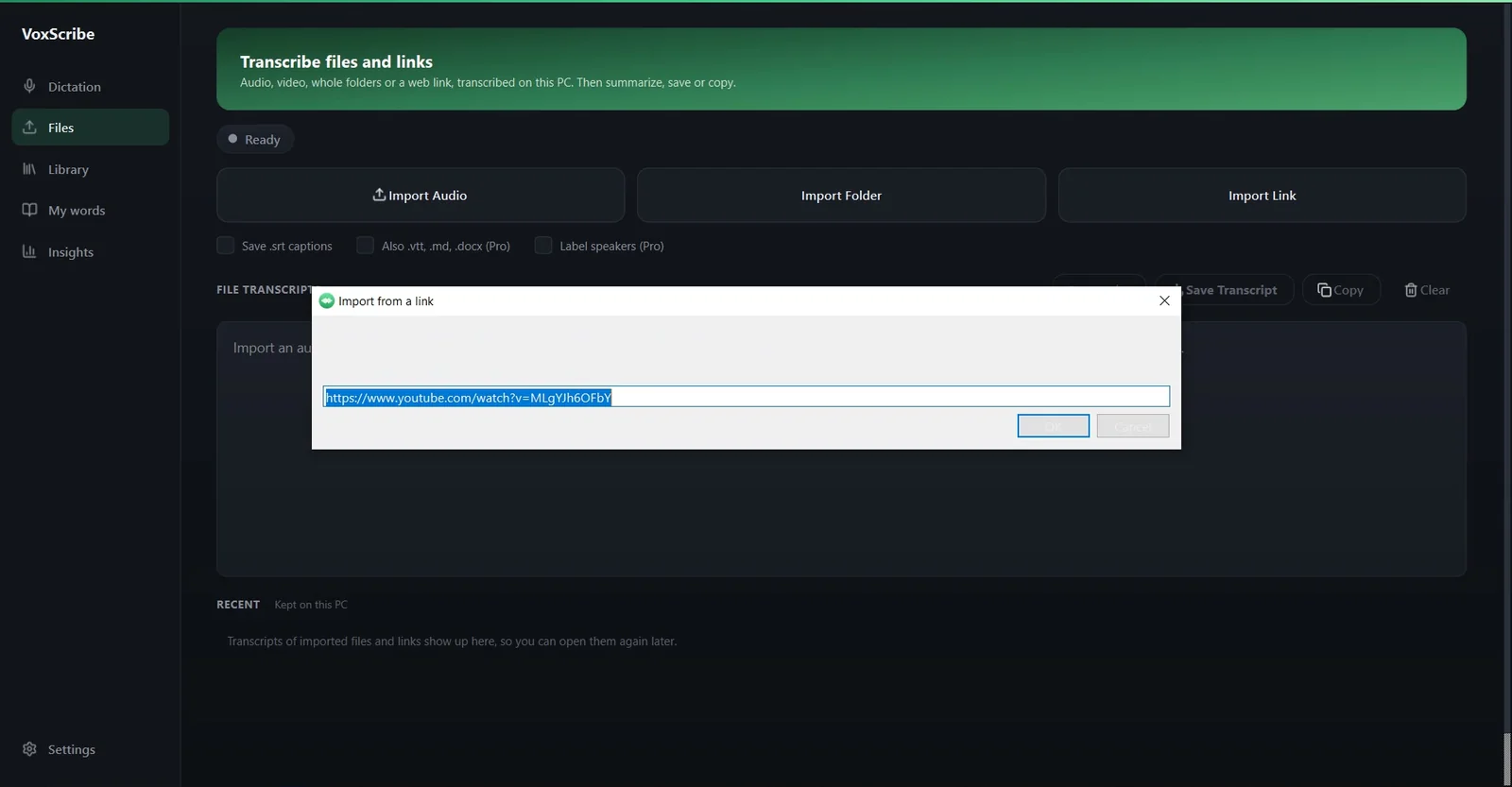
The 1.8.4 tour, 88 seconds. Fill forms, rewrite what you dictated, and keep your own spellings, all on your PC. Form fill, the rewrite assistant and link import are Pro features, each with 3 free tries.

The real app, not a mockup.

Every screenshot on this page is VoxScribe running on a normal PC and phone.

Everything you need, nothing you don't

Built to feel invisible: it stays out of your way until you need it. Read the full tutorial for every feature, step by step.

  • Android app

    The same offline dictation as a floating button in any Android app. See the Android app.

  • Meeting notes

    Start meeting records your microphone and what the PC plays, removes the echo, and writes a markdown note with action items, decisions and questions into a folder you choose, such as your Obsidian vault.

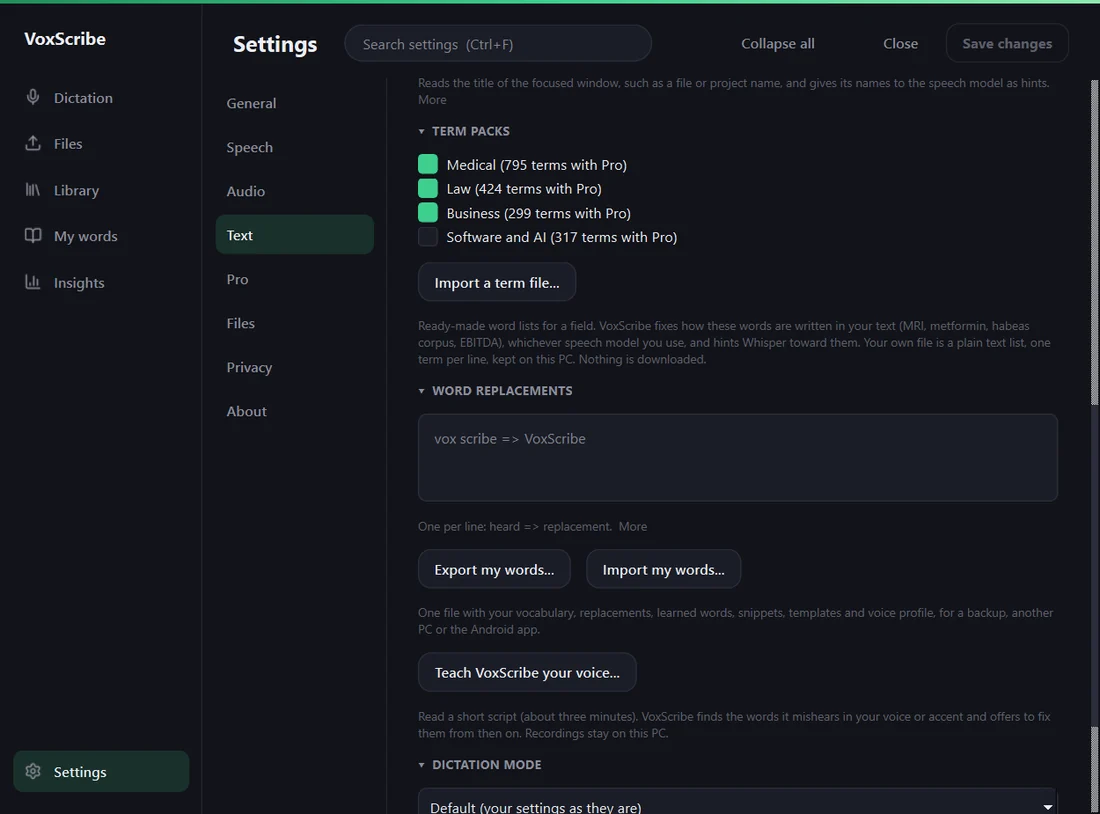
  • Term packs for medicine, law, business and software

    Words like MRI, metformin, habeas corpus, EBITDA and Kubernetes are written correctly with any speech model. Import your own list as a plain text file.

  • Teach VoxScribe your voice

    Read a short script and VoxScribe finds the words it mishears in your voice or accent, then fixes them from then on. Recordings stay on your PC.

  • Spoken formats

    "One twenty over eighty" becomes 120/80, "five milligrams twice daily" becomes 5 mg BID, "section twelve subsection b" becomes section 12(b).

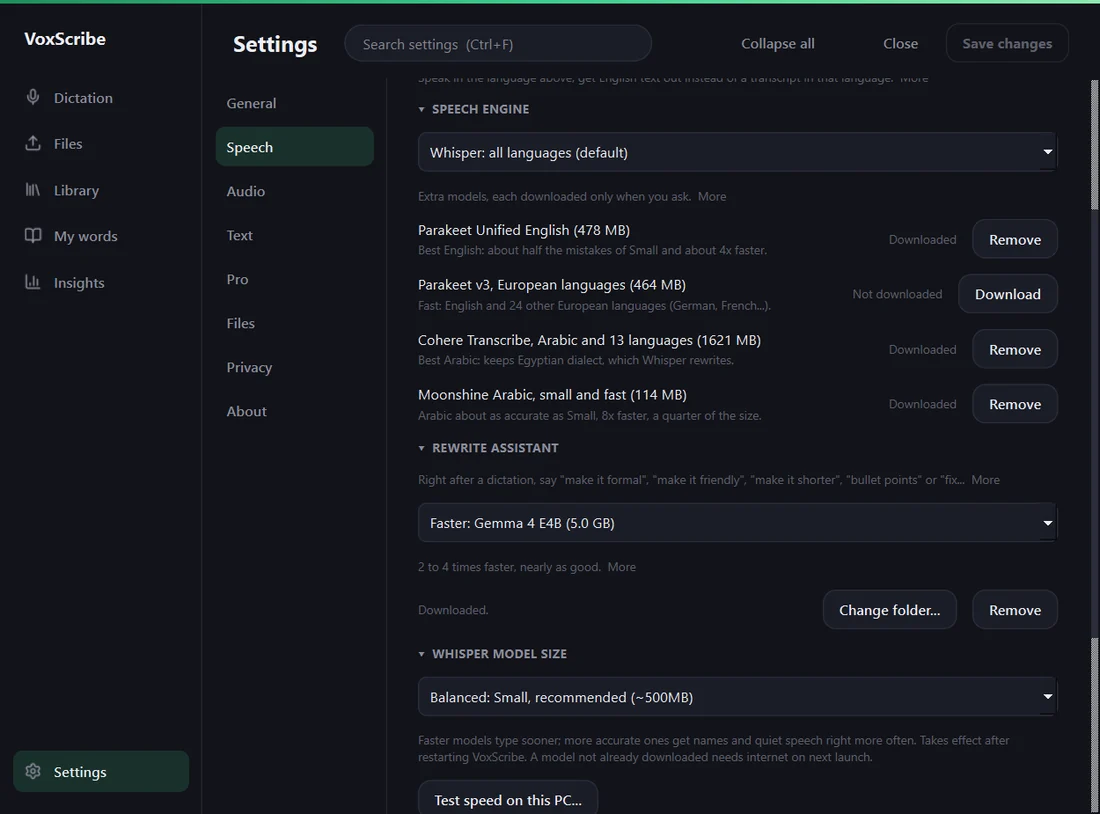
  • More speech models, your choice

    Cohere Transcribe for Arabic that keeps your dialect, Parakeet for fast, accurate English, Moonshine Arabic, and optional NVIDIA GPU. Each is downloaded only if you pick it.

  • Notes inbox key

    Hold a key and speak, and the words are saved as a timestamped line in a markdown file instead of being typed.

  • Read it back, and unsure words

    Hear each dictation in Windows' own voice, and see the words the model was unsure about underlined. Both are off until you turn them on.

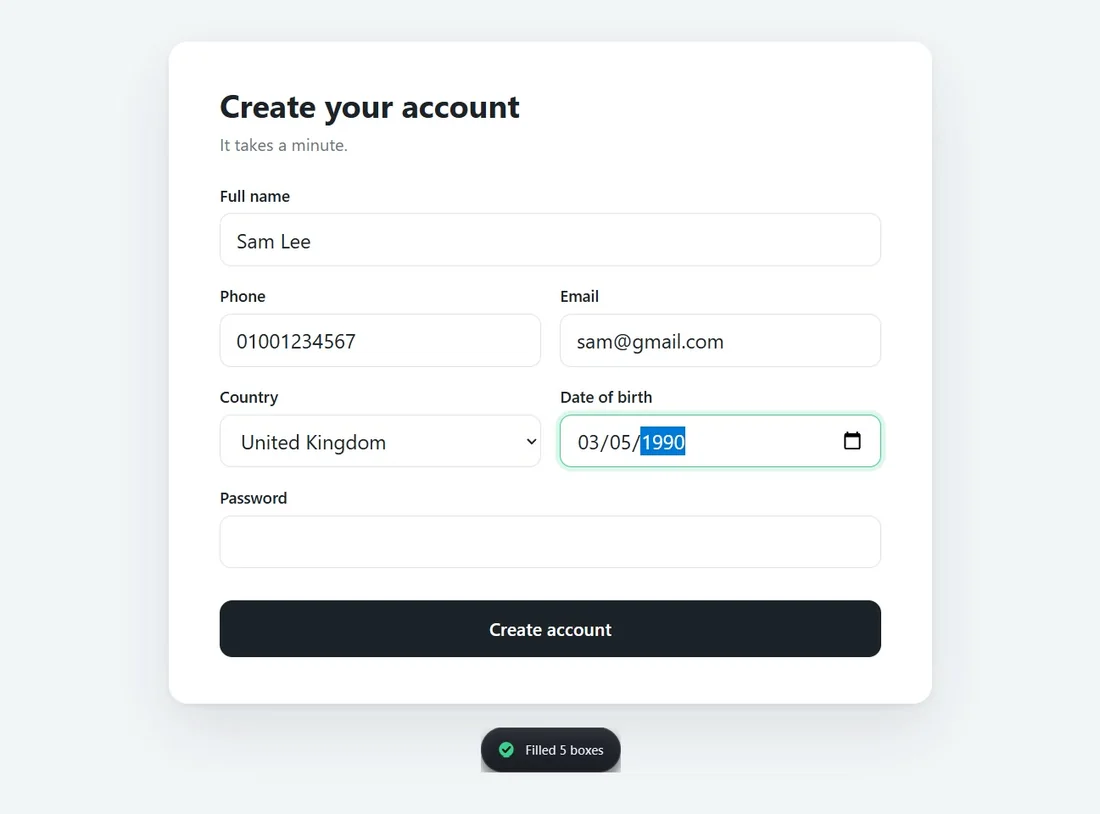
  • Fill forms by voice

    Say a label and a value for each box and VoxScribe fills them in a browser or any Windows app. Dropdowns, dates and phone numbers are handled, and password boxes are never touched. Pro, 3 free tries.

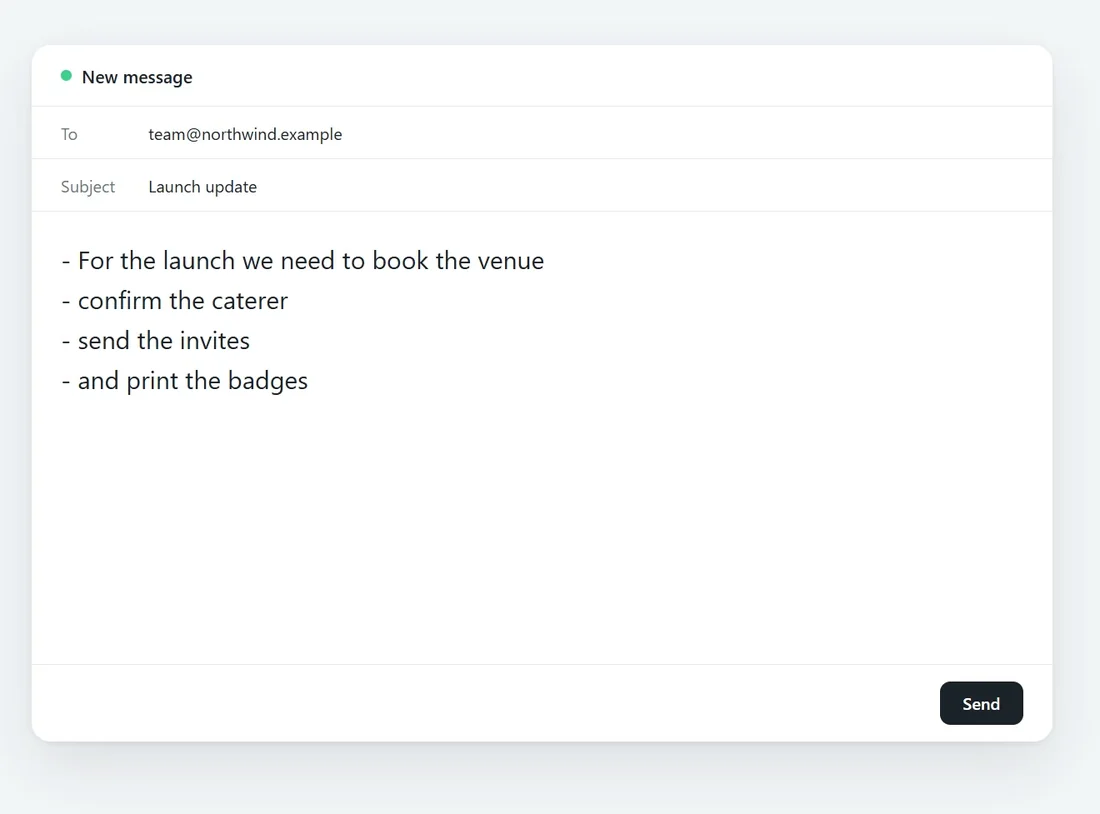
  • Rewrite by voice

    Say "make it formal", "make it shorter" or "bullet points" after a dictation and a model on your PC rewrites it. Pro, 3 free tries.

  • Library and My words

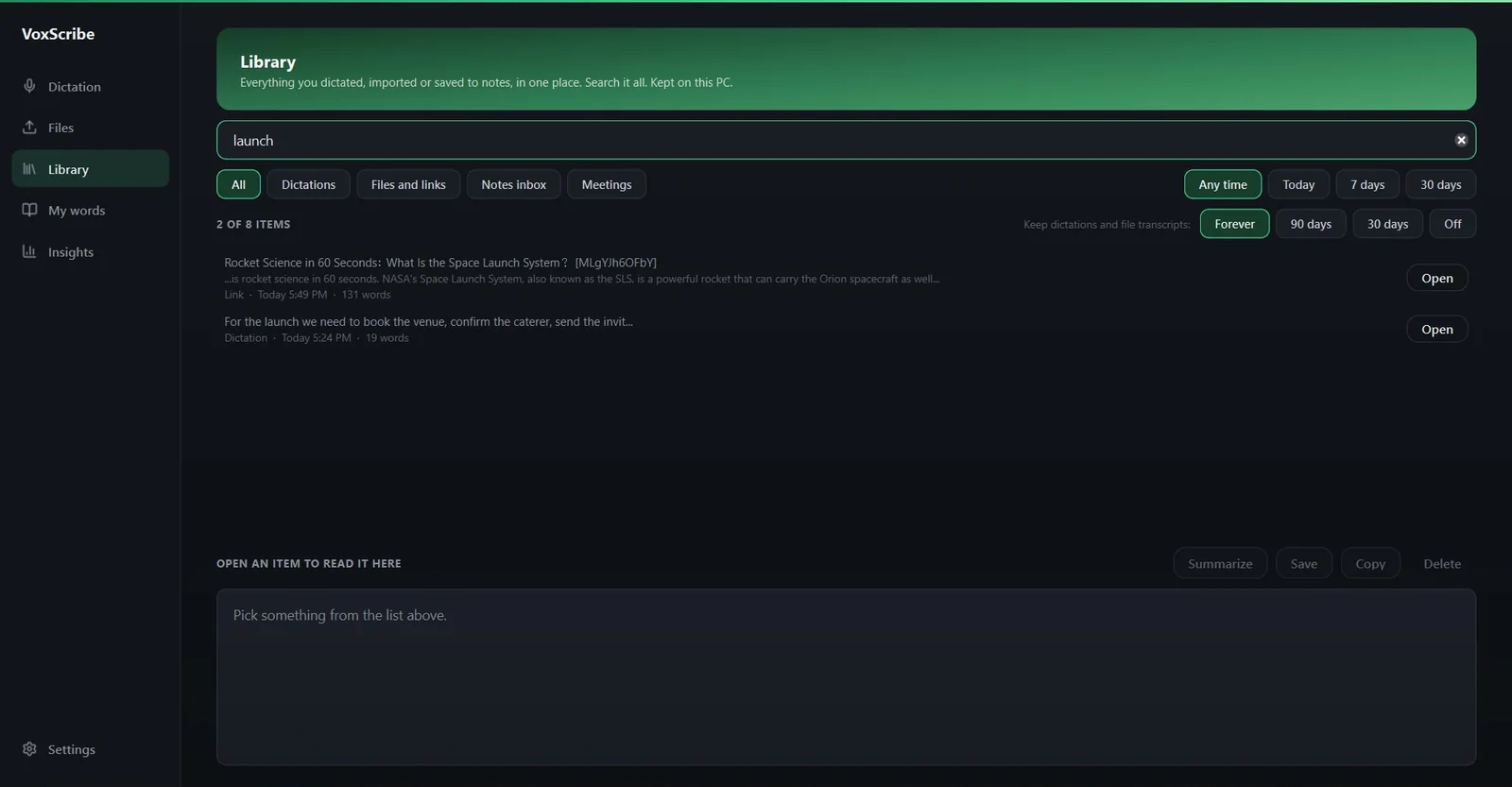
    Search everything you dictated or imported in one list, and see the spellings VoxScribe learned from your fixes.

  • Try harder, modes and snippets

    Press F8 to rerun a recording through a bigger model, switch between Chat, Email, Code and Notes, and expand short phrases into full text with Pro.

One dictation, start to finish

From your voice to the cursor.

  1. Hold F9

    In any app: a chat, a document, a browser tab.

  2. Talk the way you talk

    Pauses, ums and all. Your speech is turned into text on your own PC.

  3. Let go

    The filler words go, and clean text is typed at your cursor. Your clipboard is left alone.

  4. No internet needed

    It keeps working offline, and your audio is never saved to disk.

Zero setup.

Nothing to configure first. VoxScribe starts hidden in the system tray and stays there. No window to manage, no icon in your taskbar until you ask for one.

Install in under a minute

No admin rights required. Or with winget: winget install ahmedhmam1994.VoxScribe

  1. Download the installer from the Releases page
  2. Run VoxScribe-Setup.exe and follow the prompts
  3. On first launch, VoxScribe downloads the speech model (a few hundred MB). This needs internet once; after that, transcription is fully offline
  4. Hold F9 anywhere and start talking

Prefer a package manager? With winget: winget install ahmedhmam1994.VoxScribe. Or with Scoop: scoop bucket add voxscribe https://github.com/ahmedhmam1994/scoop-voxscribe then scoop install voxscribe

Windows SmartScreen note: VoxScribe is a new, unsigned app, and because it hooks the keyboard (for the hotkey and to type text), Windows may show a "Windows protected your PC" warning on first run. Click More info → Run anyway to proceed. This is expected for unsigned indie software, not a sign of a problem. The full source is public on GitHub if you want to verify it yourself. How to check the file, skip the warning, and what the installer changes.

Free vs. cloud dictation tools

Most dictation apps run your voice through a cloud API and charge a subscription. VoxScribe runs everything locally, for free.

VoxScribeTypical cloud dictation tools
CostFreeMonthly subscription
Where transcription runsLocally on your PCUploaded to a cloud server
Works offline (after setup)YesNo, requires internet every time
Open sourceYes (MIT)No

What people are saying

Real feedback from people who've actually tried it.

I’ve used [other dictation tools]… I’m proud to say I’ve tried yours and I do like it.
Nurse · 10+ years dictating. Shared in a Reddit comment
I thought it was the best of the ones I had tried. I liked the single purchase model and as a person who has had a stroke many years ago it was very useful.
VoxScribe Pro customer. Shared by email

Pro: hands-free mode, the Ask key and bigger word packs

Hands-free mode (talk without holding a key), the Ask key (select text and say what to do with it), word packs with about twice the terms, Snippets (say a trigger phrase, get an expansion typed, with live {date}/{time}/{clipboard} variables), Medium and Large Whisper models for higher accuracy (also for Try harder), dictation modes that switch by app, and whole-folder caption import. One key covers two PCs and two phones. One-time purchase, offline license key, no account, no subscription.

FreePro
Hands-free mode and the Ask key3 free tries eachNo limit
Whisper modelsTiny, Base and SmallAlso Medium, Large turbo and Large
Term packs and Teach your voiceIncludedAbout twice the terms, and packs per app
Snippets and fill-in templatesNot includedIncluded
Fill forms by voice, rewrite assistant, links from the web3 free tries eachNo limit
Export formats.txt and .srtAlso .vtt, .md and .docx, with speaker labels
Dictation into any app, offlineIncludedIncluded
Filler cleanup, spoken commands, word replacementsIncludedIncluded
Try harder (F8)Up to SmallUp to Medium or Large
Dictation modesChat, Email and NotesAlso Code, and switching by app
Smart formatting and code dictationNot includedIncluded
Per-app profiles and a second language keyNot includedIncluded
Whole folders of files2 free runsNo limit

This table describes Windows. On Android the same key unlocks Snippets, smart formatting, code dictation, fill-in templates and per-app profiles.

Get VoxScribe Pro: $39

Pro is a one-time payment with no subscription. Anyone who bought at $14 keeps their key for good.

One-time payment via Gumroad · 7-day refund · key delivered by email

Frequently asked questions

Is it really free?

The core app is, forever, under the MIT license: no subscription, no account required. There's an optional one-time Pro upgrade ($39) for snippets and larger Whisper models, but dictation itself is fully free.

Does it need an internet connection?

Only once, to download the speech-to-text model on first launch. After that, transcription works fully offline. Your voice audio is never uploaded anywhere.

Which languages can I dictate in?

Windows dictates in about 28 languages plus auto-detect, including Spanish, French, German, Italian, Portuguese, Arabic, Hindi, Chinese, Japanese and Korean. Android offers 21: English, Arabic, Chinese, Czech, Dutch, Finnish, French, German, Hindi, Hungarian, Italian, Japanese, Korean, Polish, Portuguese, Russian, Slovak, Spanish, Turkish, Ukrainian and Vietnamese. Smaller models make more mistakes outside English, so on Windows try the Small model or larger for other languages.

What platforms does it support?

Windows 10 and 11, and Android 8 or newer. On Android a small floating button works in any app; download the APK from the releases page, since it is not on the Play Store yet.

Does it work with any microphone?

Yes. VoxScribe auto-detects your default input device (including Bluetooth headsets) and adapts to its native sample rate.

Why does Windows show a security warning when I install it?

VoxScribe is free and not yet code-signed, so Windows asks you to confirm once: click More info, then Run anyway. Installing with winget or Scoop usually skips it. The install warning guide shows how to check the file first and exactly what the installer changes.

How accurate is the transcription?

It uses faster-whisper's "small" model, which offers a solid balance of speed and accuracy on CPU for everyday dictation.

I lost my Pro license key. Can I get it back?

Yes. Open a GitHub issue with the name or email you used to buy it, and I'll look it up and send it back to you.
Guides: free offline voice dictation, dictating into any app, and making .srt subtitles offline.

Whisper in, words out.

Download for Windows